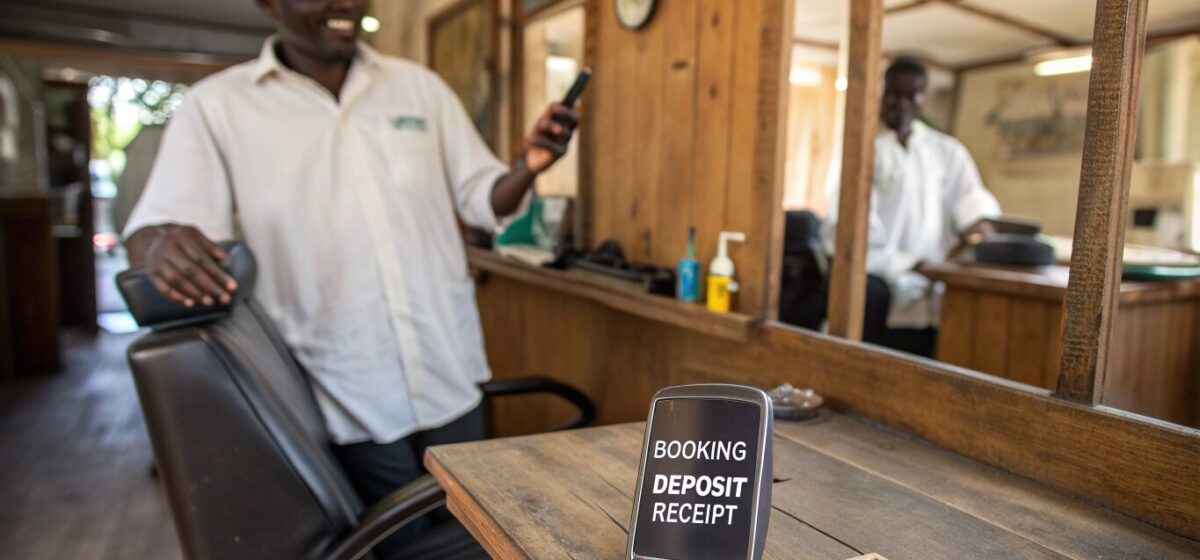
The two changes that cut salon no-shows most are automated reminders and small booking deposits. Reminders stop clients forgetting; deposits give them a reason to show up or reschedule instead of vanishing. Used together they turn a chair that would have sat empty into either a kept appointment or a freed slot you can rebook. Neither requires a big system, and both can be running this week.
Why an empty chair hurts so much
A no-show is worse than a slow day, because you planned for it. A stylist blocks two hours, turns away a walk-in for that slot, and then the booked client never arrives. That time cannot be resold after the fact. For a business that runs on a limited number of appointment hours, a handful of no-shows a week can be the difference between a good month and a struggling one.
Most no-shows are not malicious. People forget, double-book themselves, or feel no cost to skipping a free reservation. The fix is to remove the forgetfulness and add a small, fair cost to not showing up.
Fix one: automated reminders
A reminder sequence is simple and effective. A typical pattern:
- A confirmation the moment the client books.
- A reminder 24 hours before, with the date, time and an easy way to reschedule.
- A short nudge on the morning of the appointment.
The reschedule link matters as much as the reminder. A client who genuinely cannot make it should find it easier to move the appointment than to ignore it, so you recover the slot instead of losing it.
Fix two: small deposits
A deposit taken at booking changes the psychology. Once someone has put money down, they treat the appointment as real. The deposit does not need to be large; it just needs to exist. Apply it to the final bill so it never feels like an extra charge, only a way to hold the slot. Be clear and upfront about the policy so it reads as professional, not punitive.
A worked example
Imagine a salon losing four no-shows a week. If reminders alone recover half and deposits deter most of the rest, you might claw back three of those four slots weekly. Over a year that is well over 100 recovered appointments, plus the repeat visits and referrals those clients bring. The cost of setting up reminders and deposit collection is trivial next to that.
Try this today
Add one manual reminder and one deposit line, even before any software:
Reminder (send the day before): “Hi [name], reminder of your [service] tomorrow at [time]. Reply YES to confirm or RESCHEDULE if you need a new time.”
Deposit line (in your booking message): “A small deposit of [amount] secures your slot and is deducted from your final bill.”
Doing this by hand for a week proves the effect. Then automate it with a booking tool so it runs on every appointment without you remembering.
Frequently asked questions
Will asking for a deposit put clients off?
Handled well, no. Keep the deposit small, apply it to the final bill, and state the policy clearly and politely at booking. Serious clients understand that it secures their slot, and the small amount mainly deters the casual bookers who were most likely to no-show anyway.
How many reminders should I send?
A confirmation at booking, one reminder 24 hours before, and a short nudge on the day is a reliable pattern. More than that risks feeling like spam. The key is that each reminder includes an easy reschedule option, so clients move appointments rather than skip them.
What should my cancellation policy be?
A common, fair approach is to allow free rescheduling up to a set window before the appointment, and to keep the deposit if a client cancels late or does not show. Whatever you choose, state it clearly at booking so there are no surprises and it reads as professional.
Can this be fully automated?
Yes. Most online booking tools can send the reminder sequence and collect the deposit automatically at the time of booking, so the whole system runs on every appointment without any manual effort once it is set up.
Related guides
- AI for salons and beauty businesses: the 2026 playbook
- Take bookings 24/7 with AI
- Bring clients back with AI rebooking
Updated July 2026. For general guidance; verify current tool features before you buy.